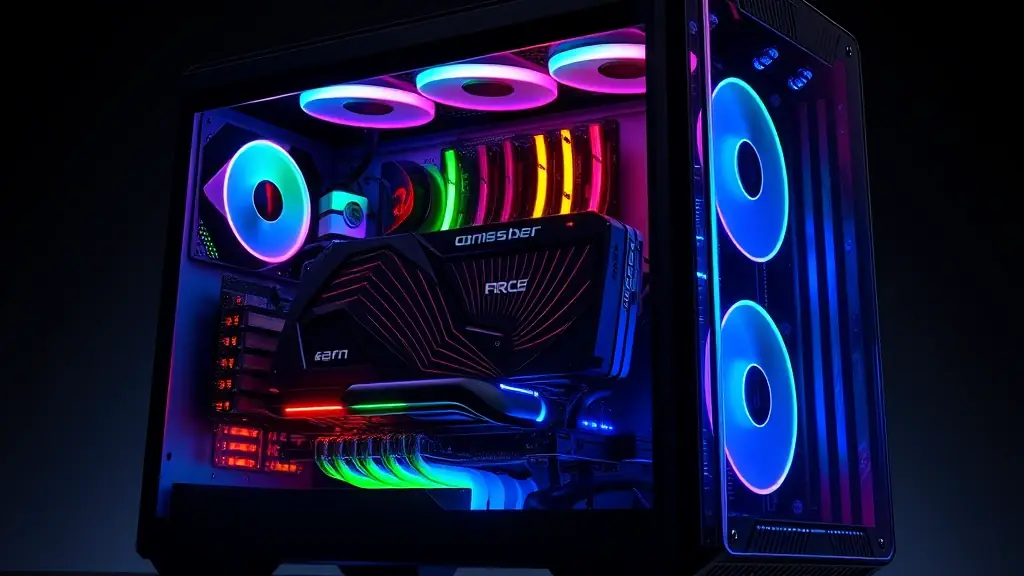
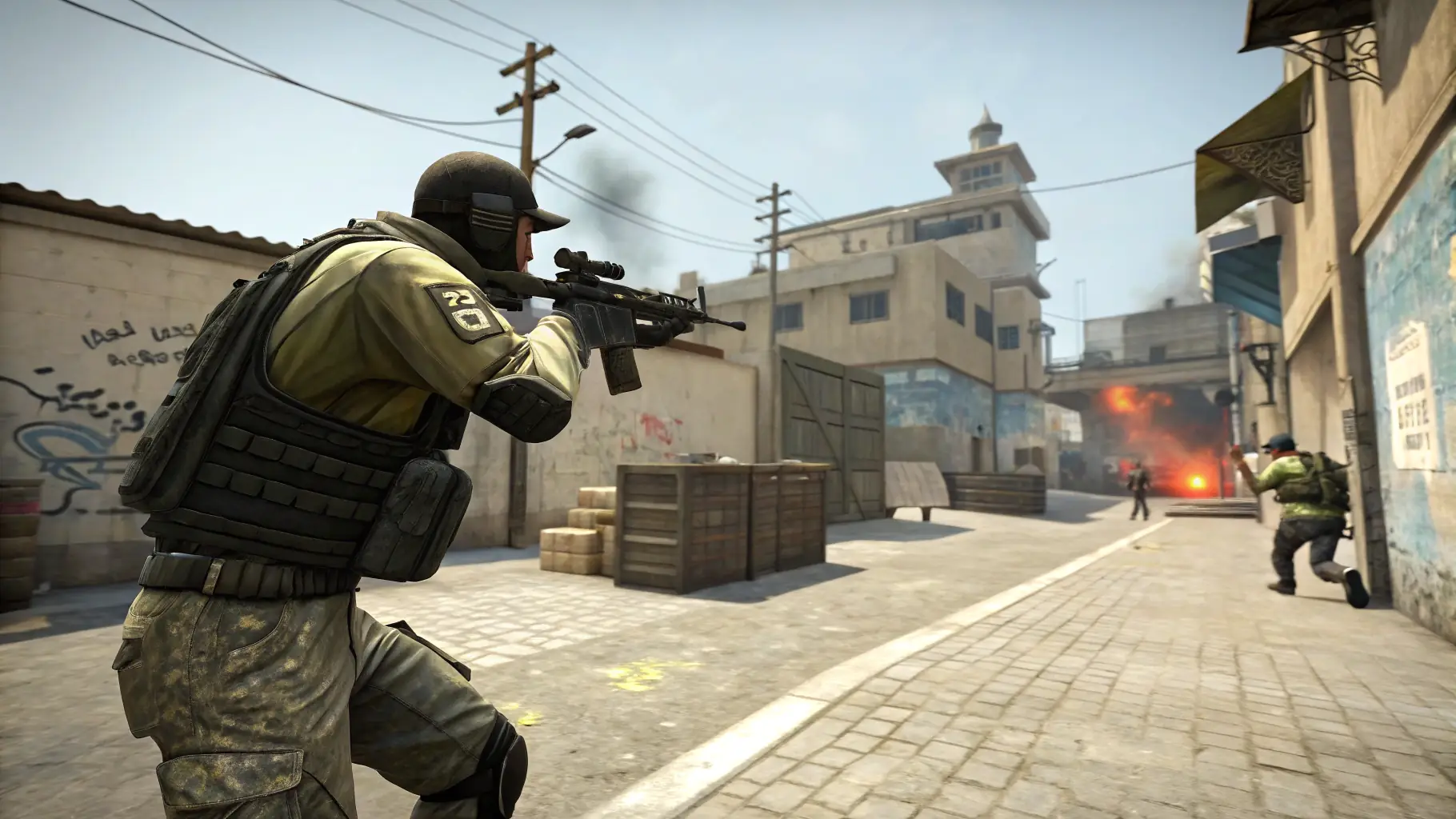
Achieving high frame rates (FPS) is crucial for a smooth and responsive gaming experience on PC. There are several steps you can take to optimize your system and boost your FPS. Start by updating your graphics drivers to the latest version, as these often include performance improvements and bug fixes. Adjusting your in-game graphics settings can also have a significant impact on FPS.
Lowering settings such as shadows, anti-aliasing, and texture quality can free up resources and improve performance. Closing unnecessary background applications can also help, as these can consume CPU and memory. Overclocking your CPU and GPU can provide a further boost in performance, but be sure to do your research and proceed with caution. Monitoring your system’s temperature is essential to prevent overheating.
Consider upgrading your hardware if you’re still struggling to achieve acceptable FPS. A faster graphics card, more RAM, or a solid-state drive (SSD) can all make a noticeable difference. Experiment with different settings and configurations to find the optimal balance between visual quality and performance. With a little tweaking, you can enjoy smoother gameplay and a more immersive gaming experience.